Important
Confirm transportation
Arrange a ride for Thursday’s visit.
Jamie DavisSep 24
To Do
Telani AI · Web & mobile
One place for patient coordination.
A workspace for your browser, and an app for your phone.
Telani AI · Web workspace
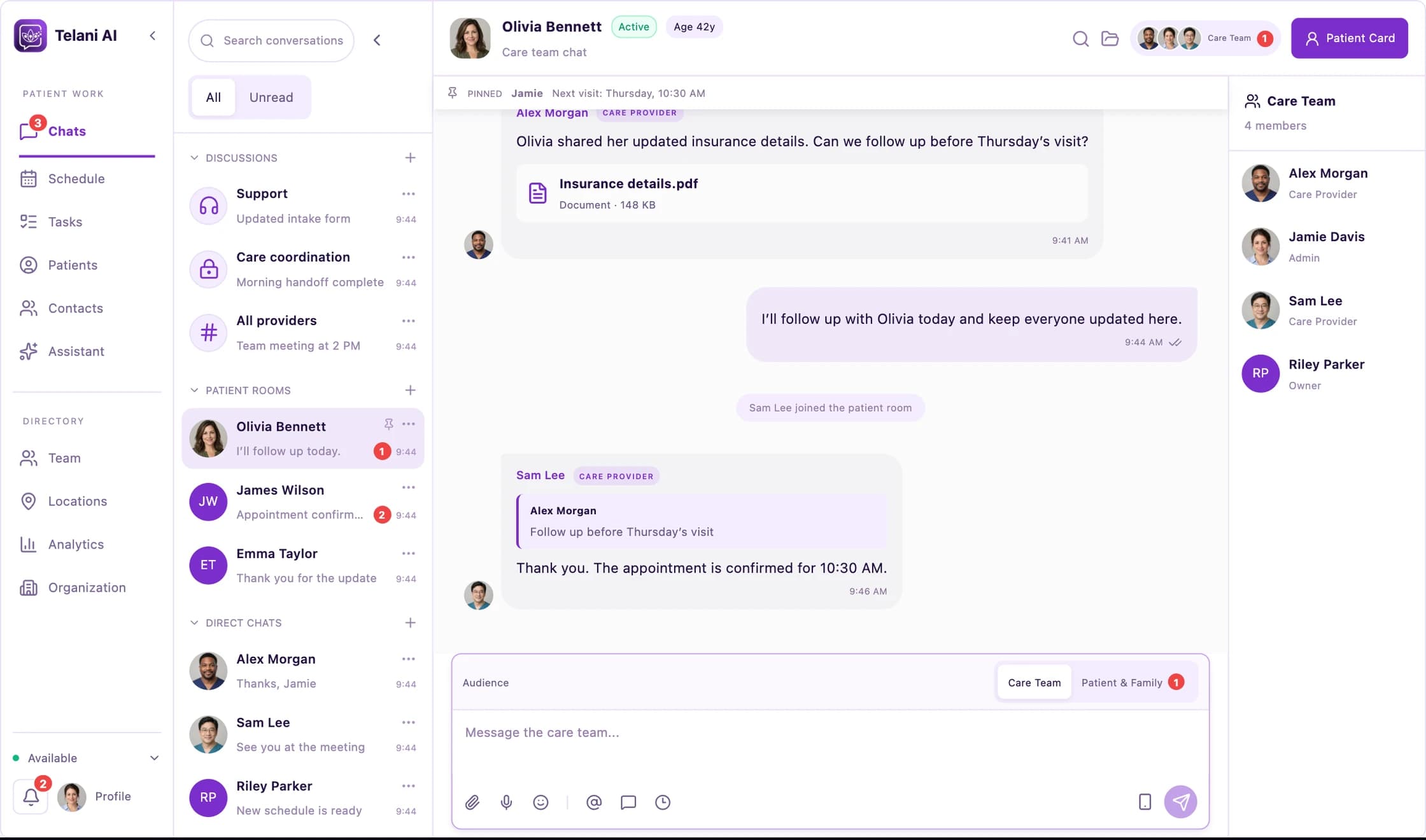
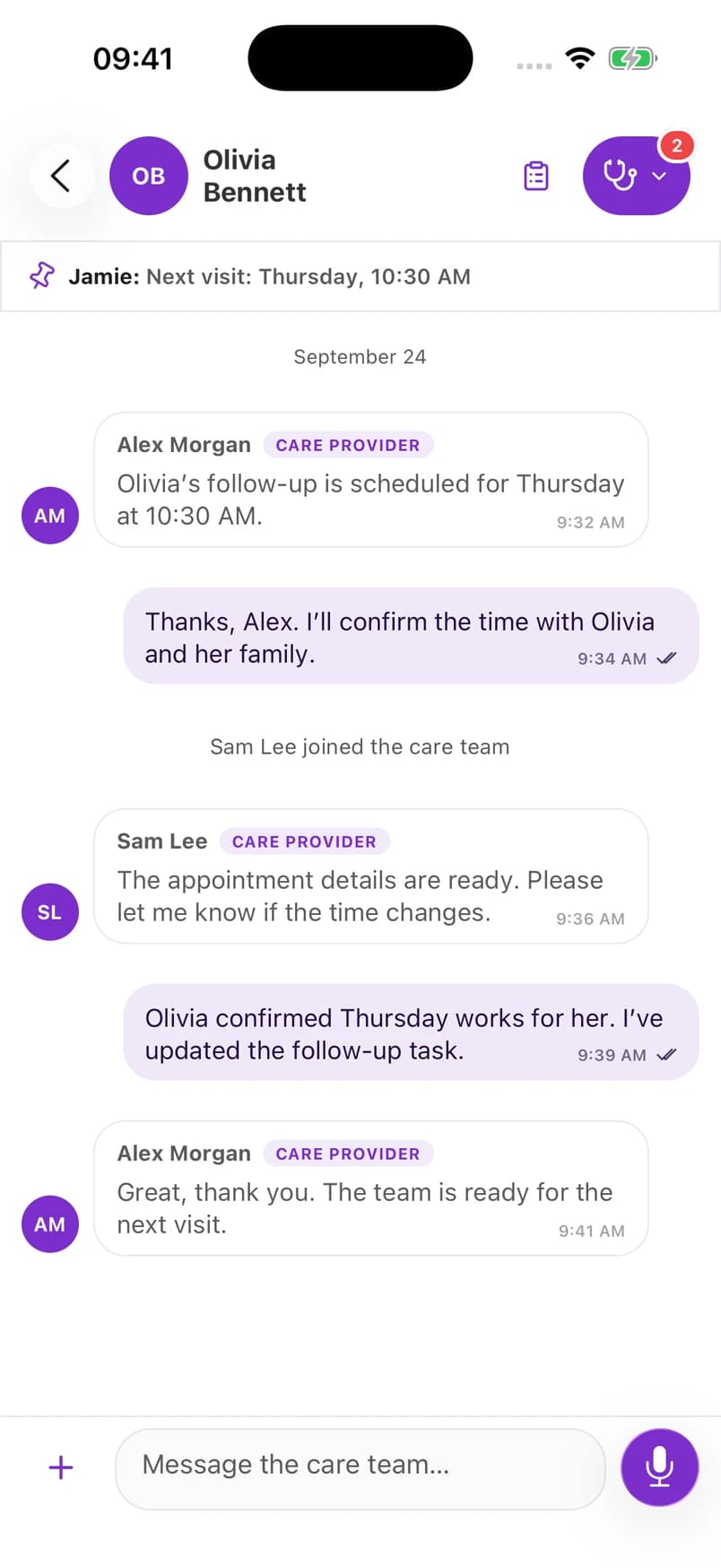
Web interface preview and native iOS captures · Fictional sample data
Telani on the web
Review conversations, organize appointments, and keep patient follow-ups in view across your team.
Patient rooms bring messages and the people involved in care together.
Work with shared internal schedules and patient-linked tasks.
Explore patient and team directories, locations, and workspace activity.
Telani on mobile
A mobile interface for conversations and appointments when you’re away from your desk.
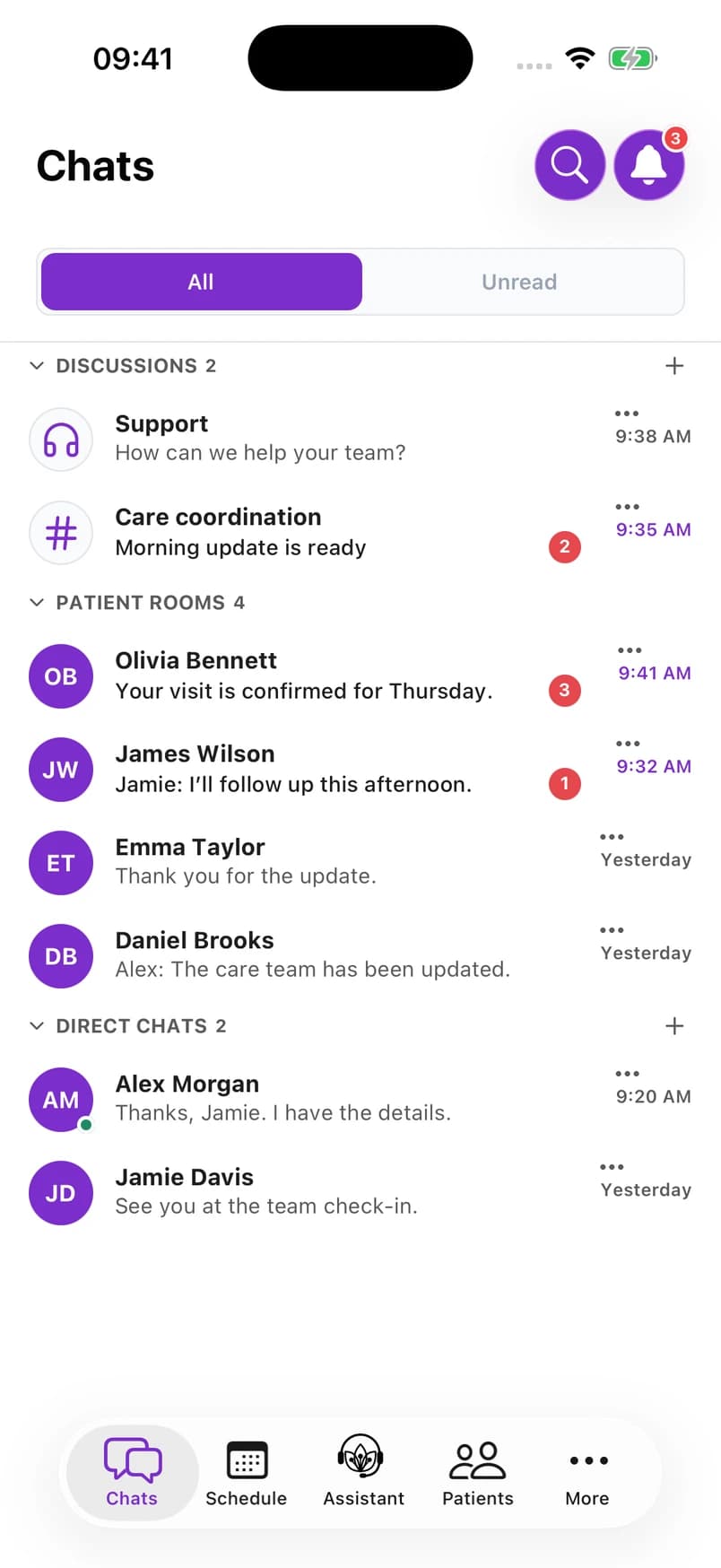
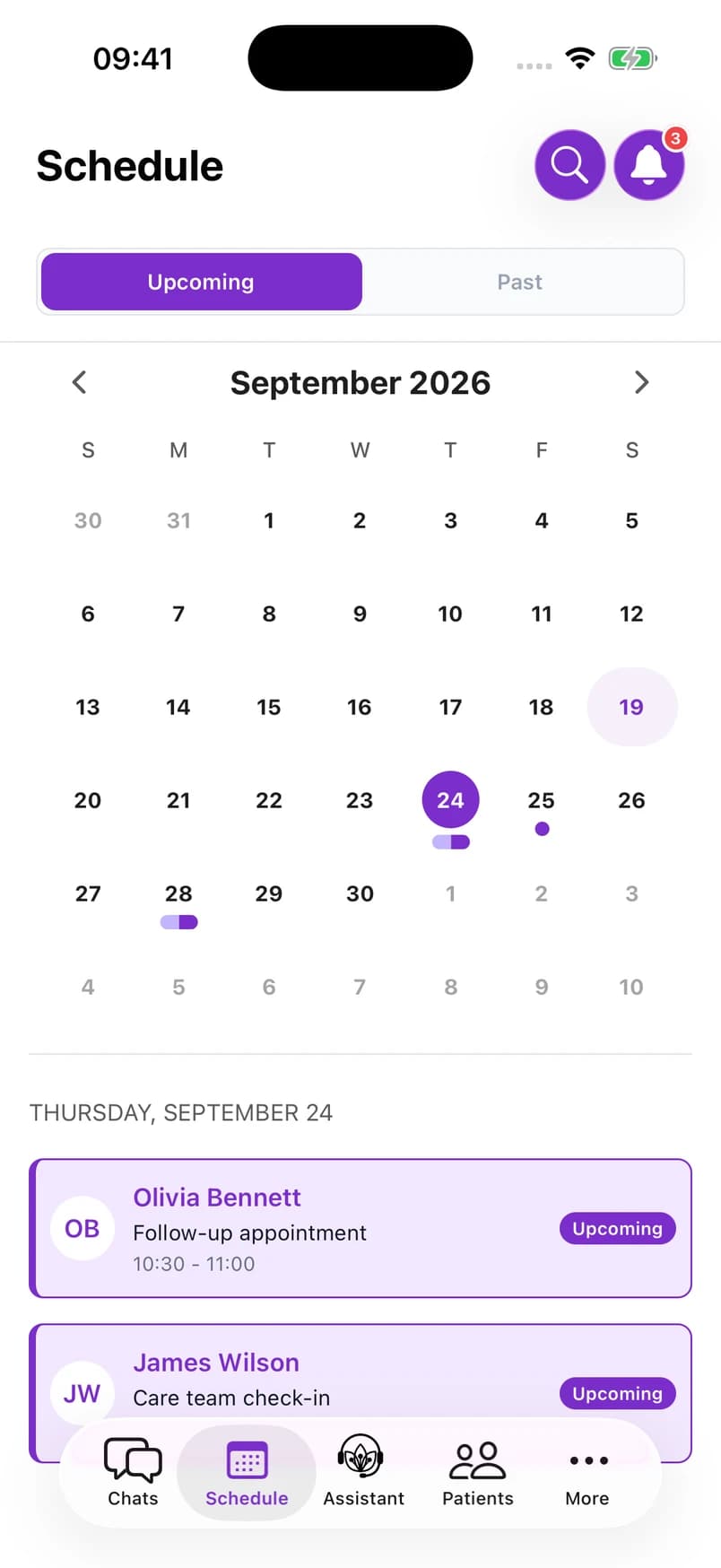
Mobile app previews · Fictional conversations and appointments.
Choose the screen for the moment
Use the web workspace for a broader view of team activity. Open the mobile app for conversations, patient information, and upcoming appointments.
Available actions depend on your role and organization’s setup. We can walk through both platforms with your team.
Explore security controlsBring your team’s workflow. We’ll show you how it fits.

Keep every next step connected to Olivia’s care.
Planned actions
Arrange a ride for Thursday’s visit.
Share the appointment details.
Being handled now
Check the next steps with the care team.
Completed items
Thursday’s visit is confirmed.